Status of features under development
 Server
At the core of the Krill Platform is Krill Server. Krill Server manages data points, executes automation rules, and handles communication with connected devices. The server runs on Raspberry Pi and Debian based linux and provides the foundation for all automation and data logging operations. Krill Servers advertise themselves on your local network and will appear automatically in the Krill Apps.
- Status: roadmap
 Raspberry Pi
Krill Server can be installed using our Debian Repo on Raspberry Pi OS to easily manage GPIO pins for various applications. This feature allows you to configure and control the GPIO pins on your Raspberry Pi directly from the Krill Server interface, enabling seamless integration with sensors, actuators, and other hardware components connected to your Raspberry Pi. You can configure the startup and shutdown state of a pin and allow its state to be toggled on and off from mouse clicks. Later rules can be configured to do tasks when a pin state changes or set a pins value based on other conditions.
- Status: roadmap
 Project
A Project represents a complete automation and monitoring configuration. It contains all data points, rules, device configurations, and settings for a specific deployment. Projects enable organizing and managing complex automation setups as reusable, shareable units that can be deployed across different server instances.
- Status: roadmap
 Client About
Krill is a software platform designed to control, automate, monitor and interact with systems on your network. Krill servers will automatically appear in your swarm if they’re detected on your network, or you can add a node by clicking on the central node.
- Status: roadmap

 Serial Device
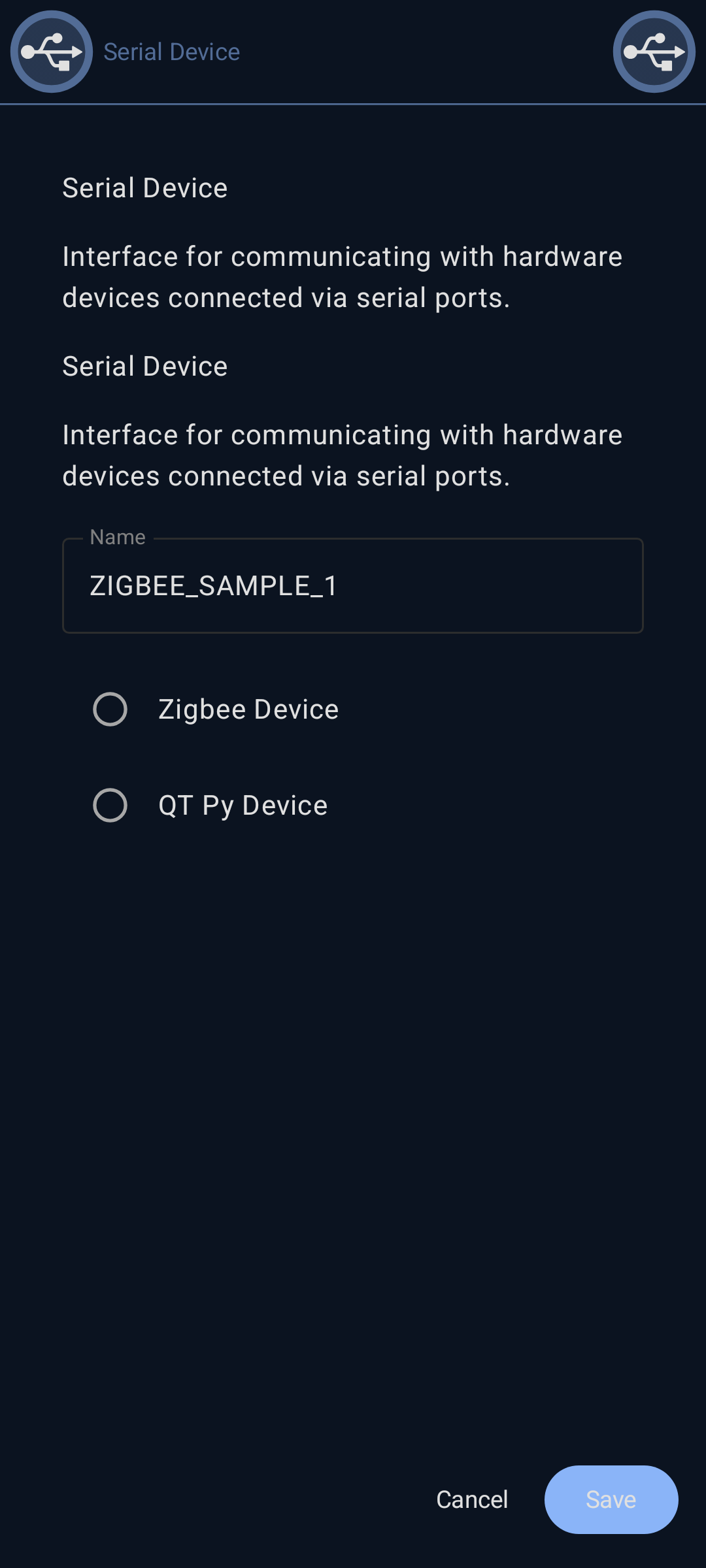
Serial Device support enables communication with hardware devices connected via serial ports (USB, UART). This feature provides integration with various serial-based sensors, microcontrollers, and IoT devices including Zigbee networks and QTPY boards. Serial devices can send data to data points and receive commands from the automation system.
- Status: roadmap
 Zigbee Device
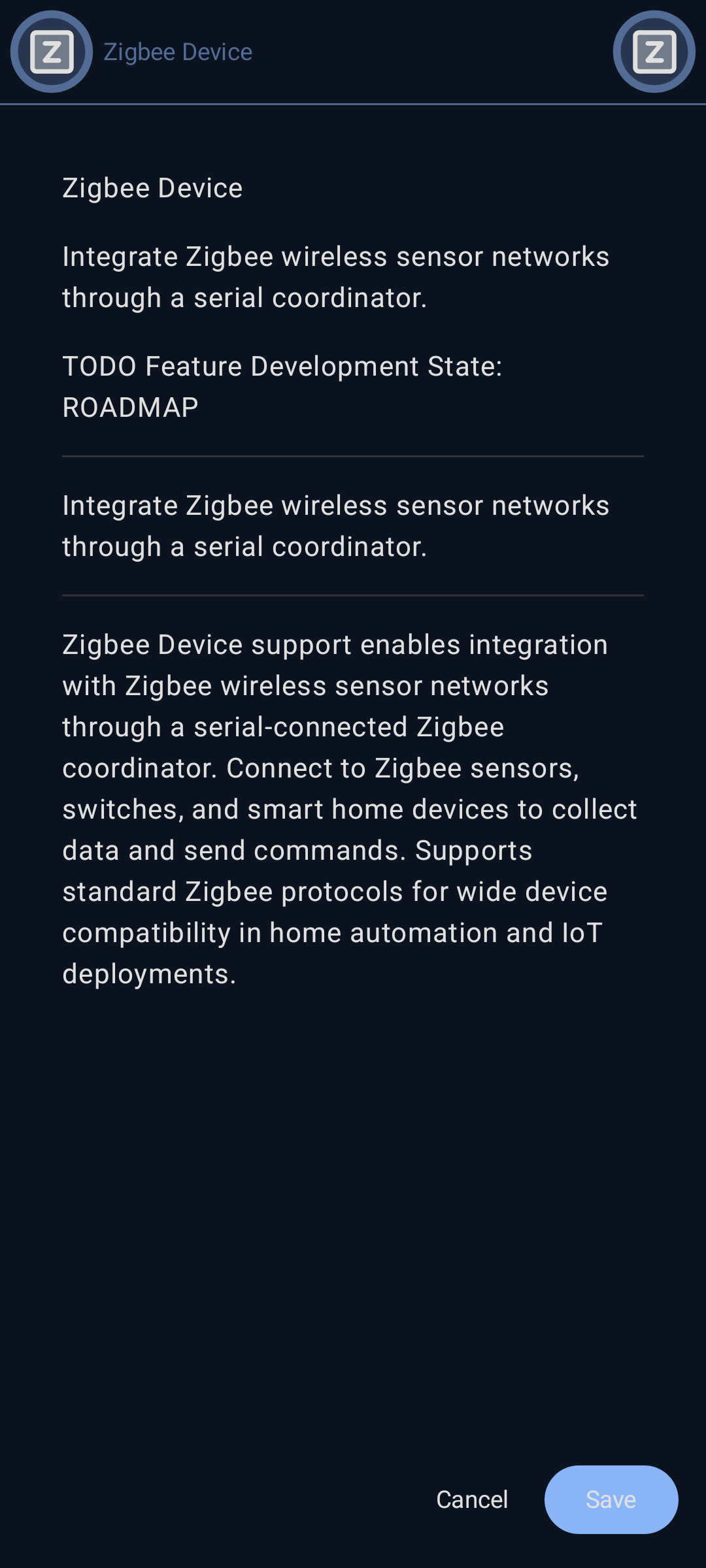
Zigbee Device support enables integration with Zigbee wireless sensor networks through a serial-connected Zigbee coordinator. Connect to Zigbee sensors, switches, and smart home devices to collect data and send commands. Supports standard Zigbee protocols for wide device compatibility in home automation and IoT deployments.
- Status: roadmap
 QT Py Device
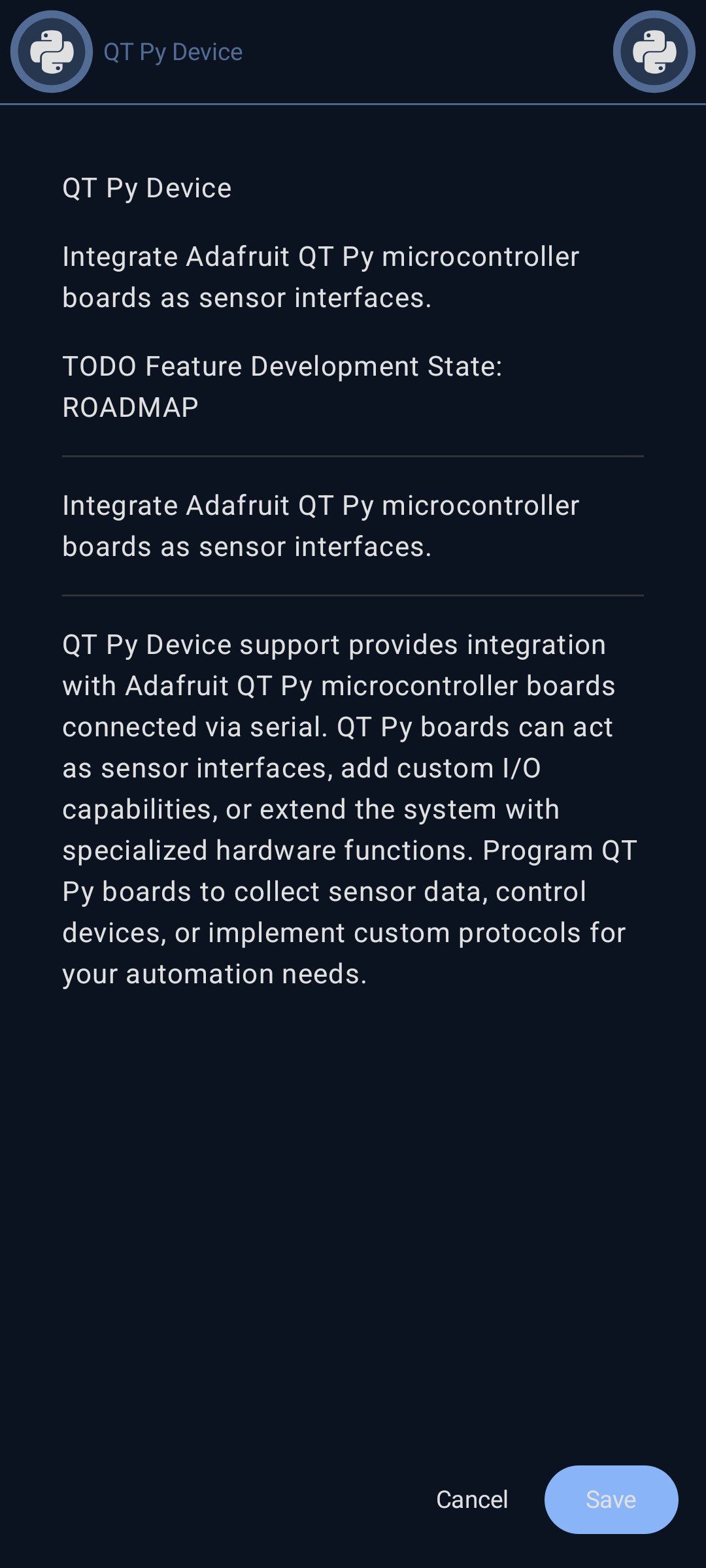
QT Py Device support provides integration with Adafruit QT Py microcontroller boards connected via serial. QT Py boards can act as sensor interfaces, add custom I/O capabilities, or extend the system with specialized hardware functions. Program QT Py boards to collect sensor data, control devices, or implement custom protocols for your automation needs.
- Status: roadmap
 Atlas Scientific Sensors
stub
- Status: roadmap

 Data Points
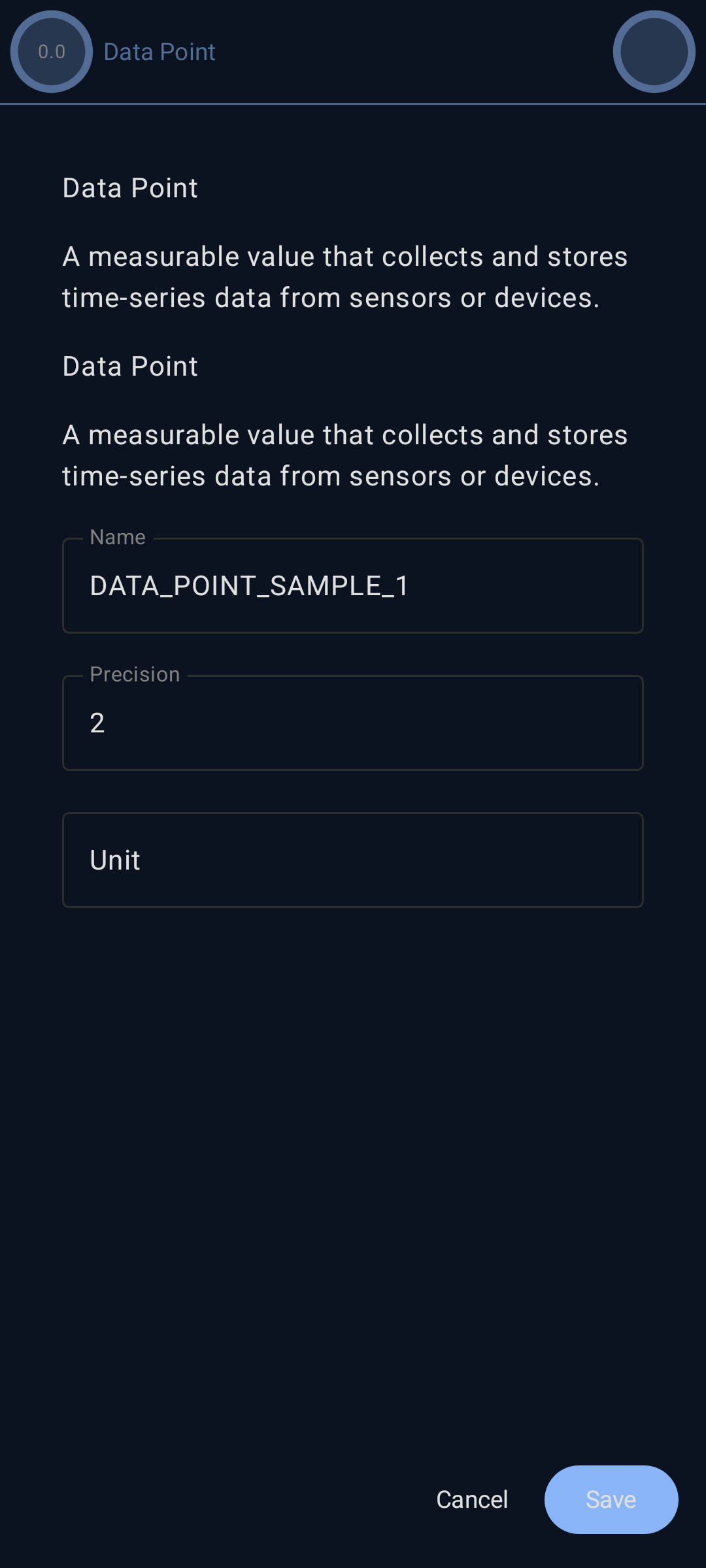
A Data Point represents a single measurable value in your automation system, such as temperature, humidity, or sensor readings. Data points continuously collect and store time-series data from connected devices or sensors. They can be configured with triggers to detect specific conditions, perform calculations, and integrate with the rule engine for automated responses.
- Status: roadmap
 Triggers and Filters
Data Point Triggers enable automated responses to data conditions. Configure various trigger types including threshold detection (high/low), data filtering (discard above/below), noise reduction (deadband, debounce), and silent alarm monitoring. Triggers can activate rules, send notifications, or execute automated actions when specific conditions are met.
- Status: roadmap
 High Threshold
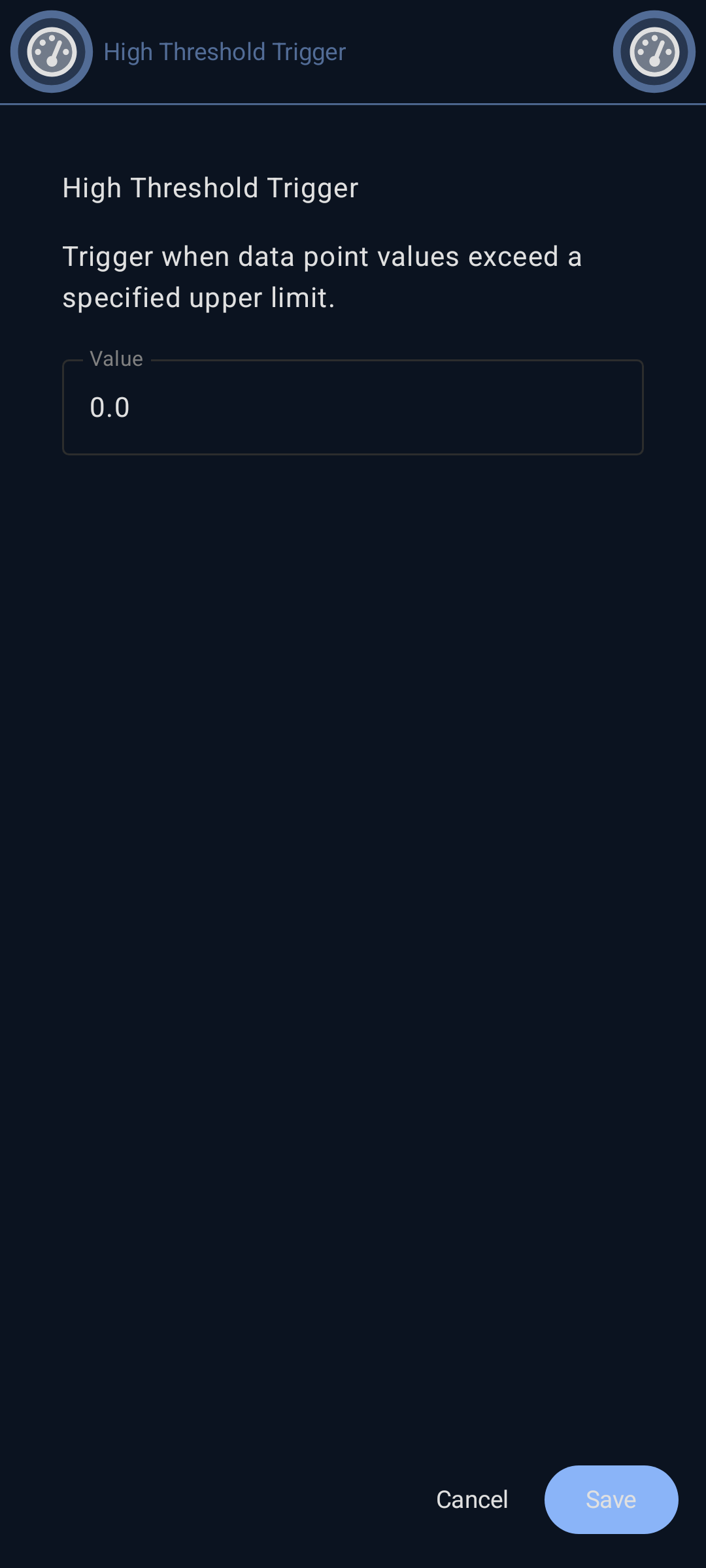
High Threshold Trigger activates when a data point value exceeds a specified upper limit. Use this to detect overheating, high pressure, excessive readings, or any condition where values above a threshold require attention or action. Configure the threshold value and optional hysteresis to prevent trigger oscillation.
- Status: roadmap
 Low Threshold
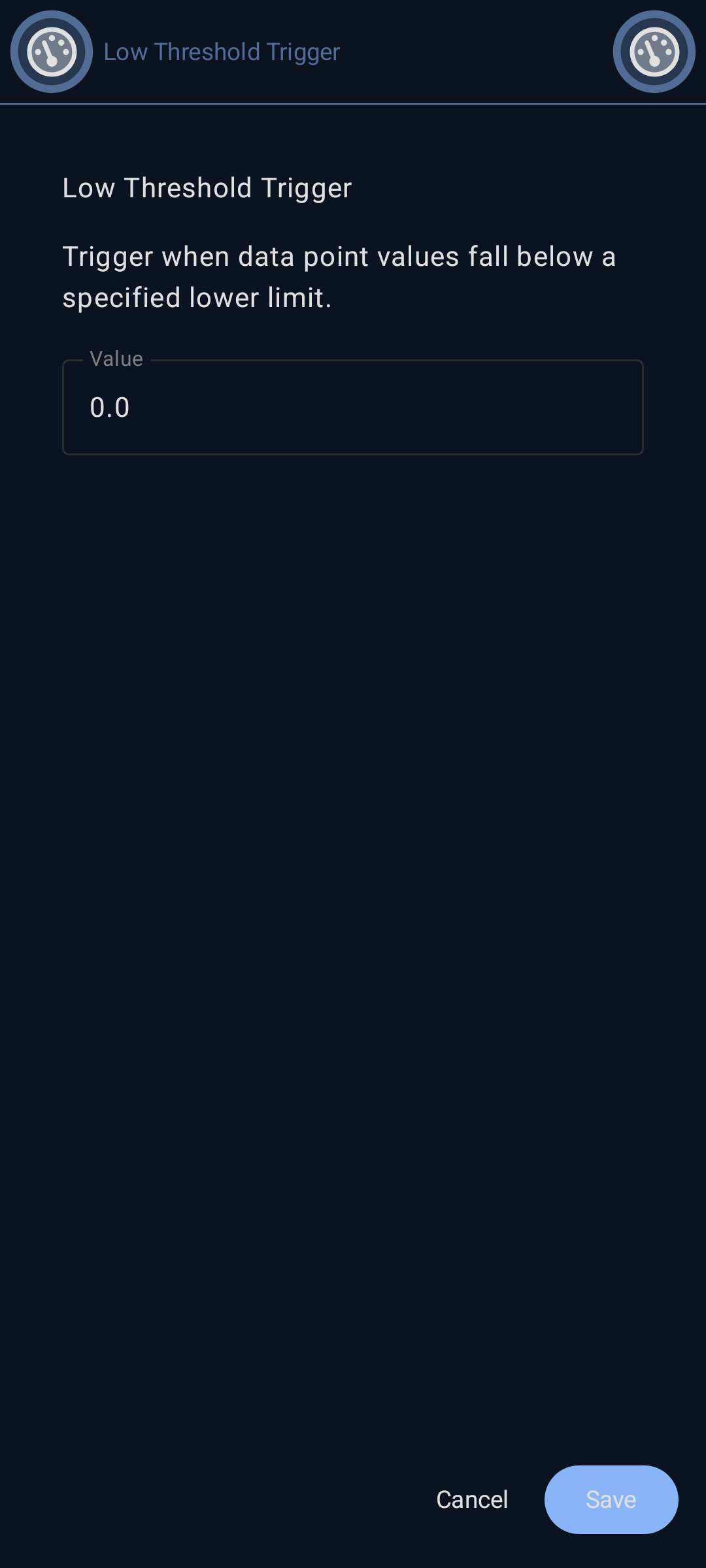
Low Threshold Trigger activates when a data point value falls below a specified lower limit. Use this to detect low battery, insufficient pressure, freezing conditions, or any situation where values below a threshold need attention. Configure the threshold value and optional hysteresis to prevent trigger oscillation.
- Status: roadmap
 Discard Above
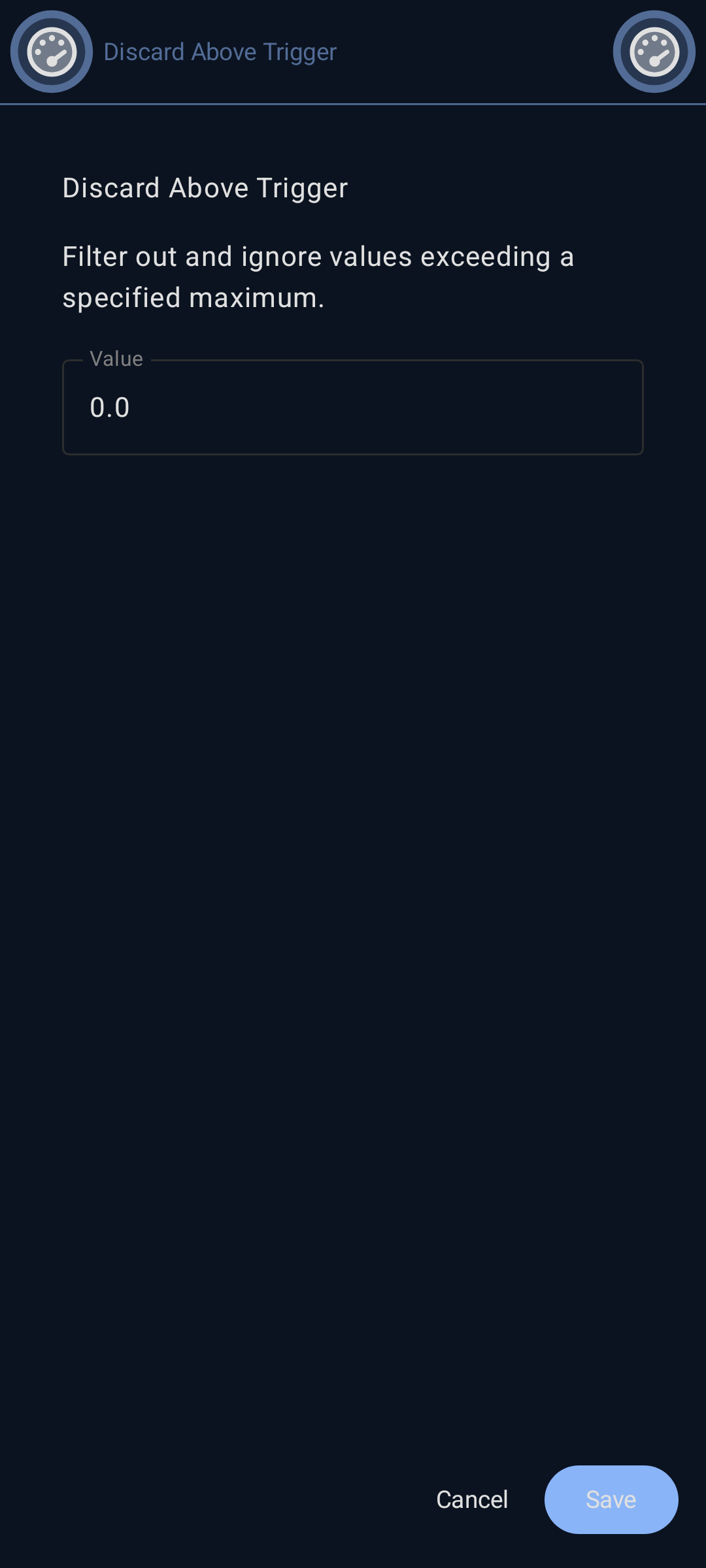
Discard Above filters out and ignores data point values that exceed a specified maximum value. This prevents outliers, sensor errors, or invalid high readings from being recorded or triggering automation. Useful for data quality control and removing noise from measurements.
- Status: roadmap
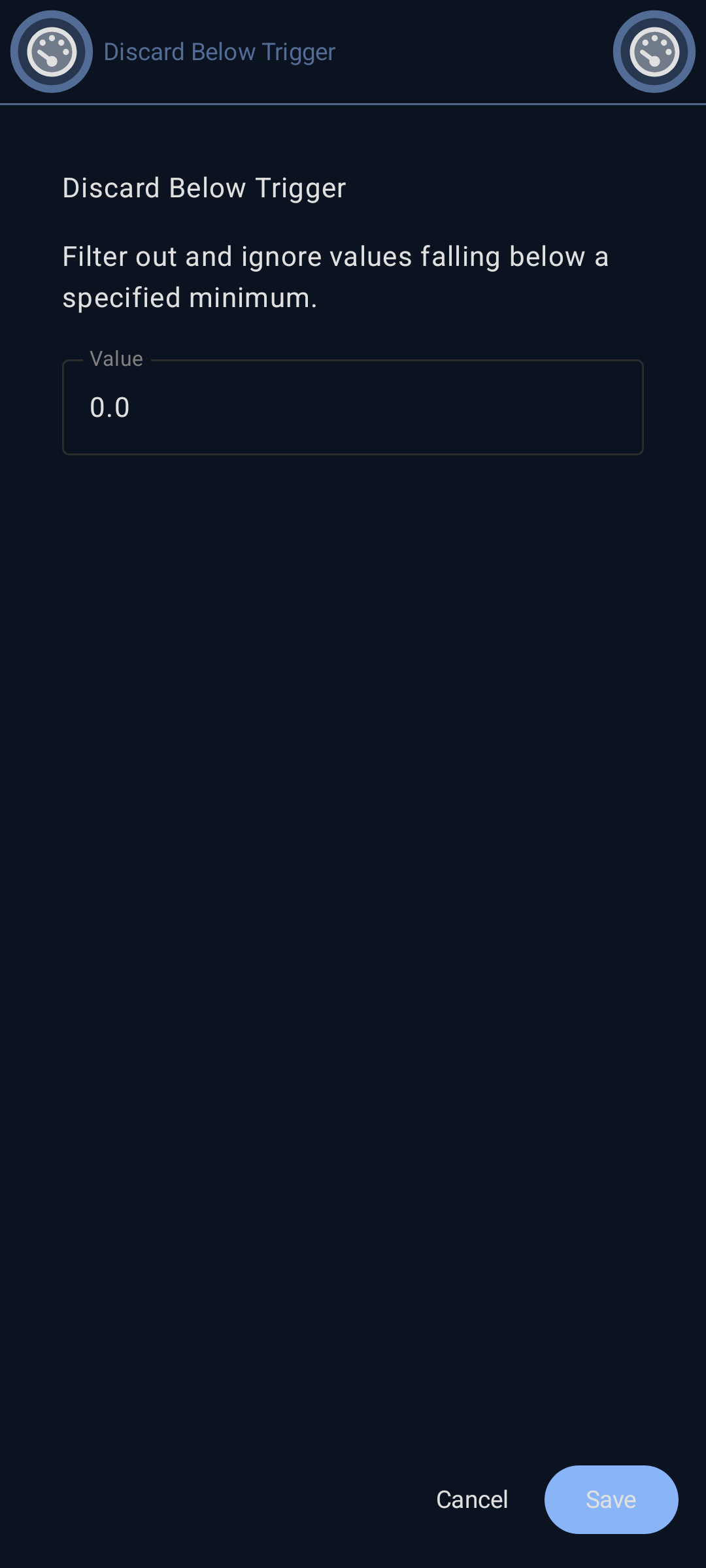
 Discard Below
Discard Below filters out and ignores data point values that fall below a specified minimum value. This prevents outliers, sensor errors, or invalid low readings from being recorded or triggering automation. Essential for data quality control and removing erroneous measurements.
- Status: roadmap
 Silent Alarm
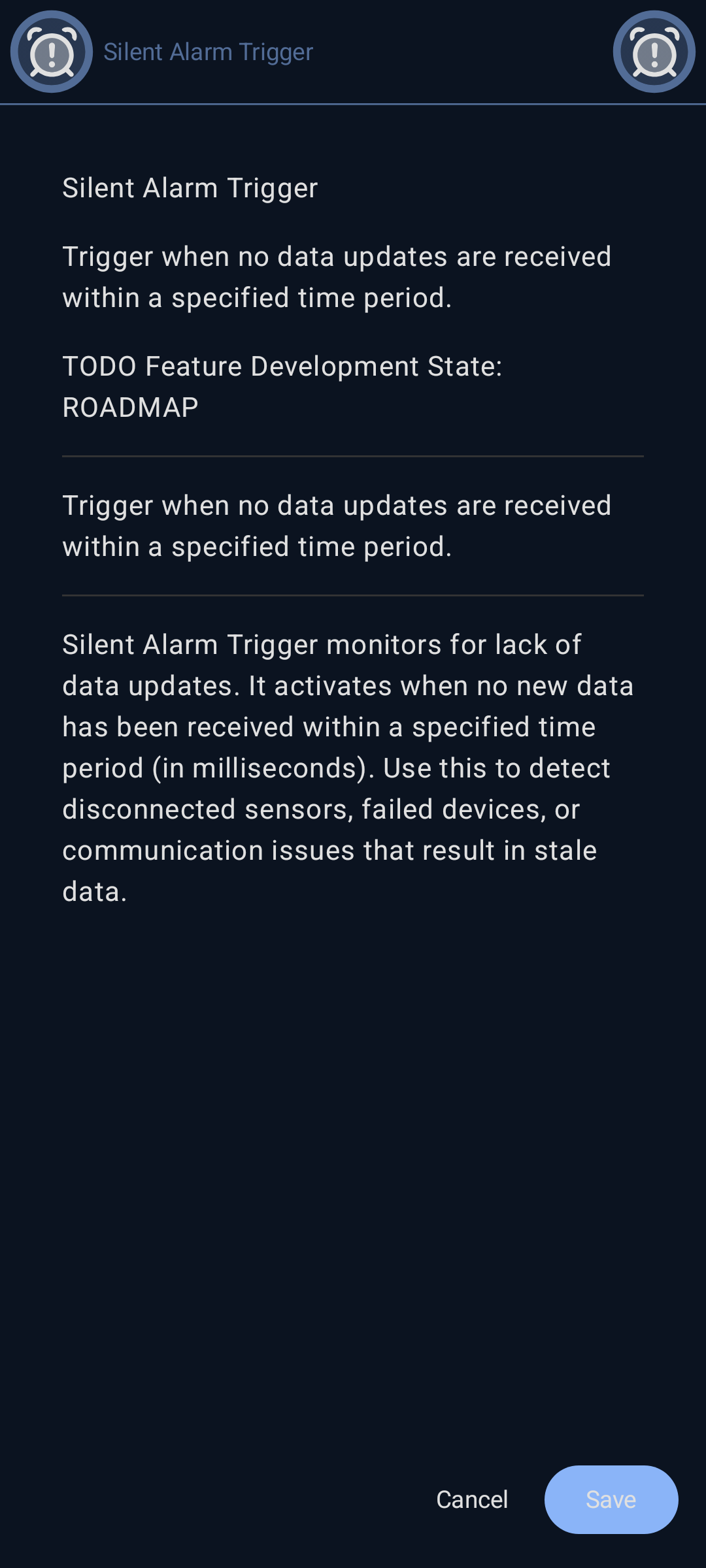
Silent Alarm Trigger monitors for lack of data updates. It activates when no new data has been received within a specified time period (in milliseconds). Use this to detect disconnected sensors, failed devices, or communication issues that result in stale data.
- Status: roadmap
 Deadbands
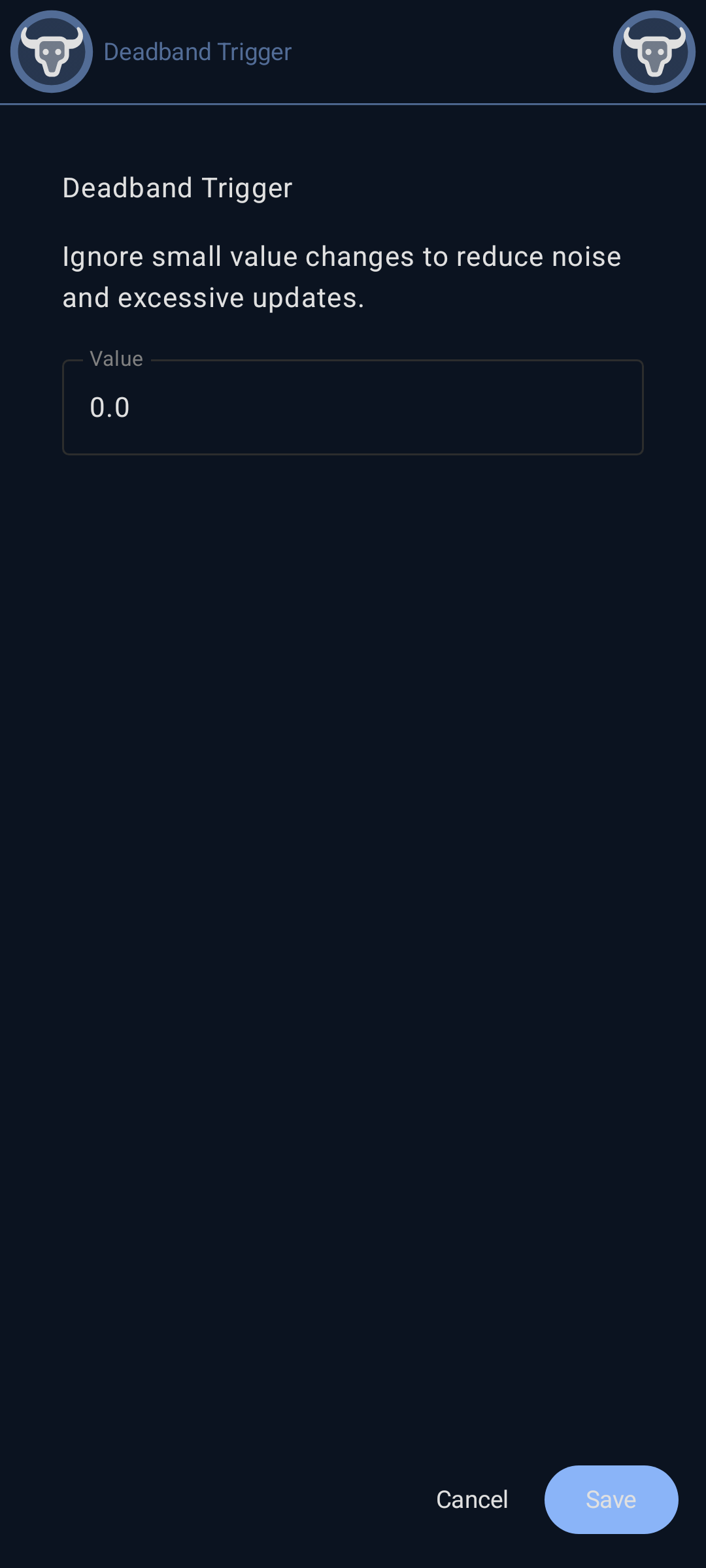
Deadband reduces noise and prevents excessive triggering by ignoring small value changes. Data updates are only recorded when the value changes by more than the deadband threshold. This is essential for noisy sensors to reduce unnecessary data storage and processing.
- Status: roadmap
 Data Point Trigger Debounce
Configure Debounce by setting the delay period in milliseconds. Values must remain stable for this duration before being recorded, filtering out rapid fluctuations.
- Status: roadmap

 Calculation Engine
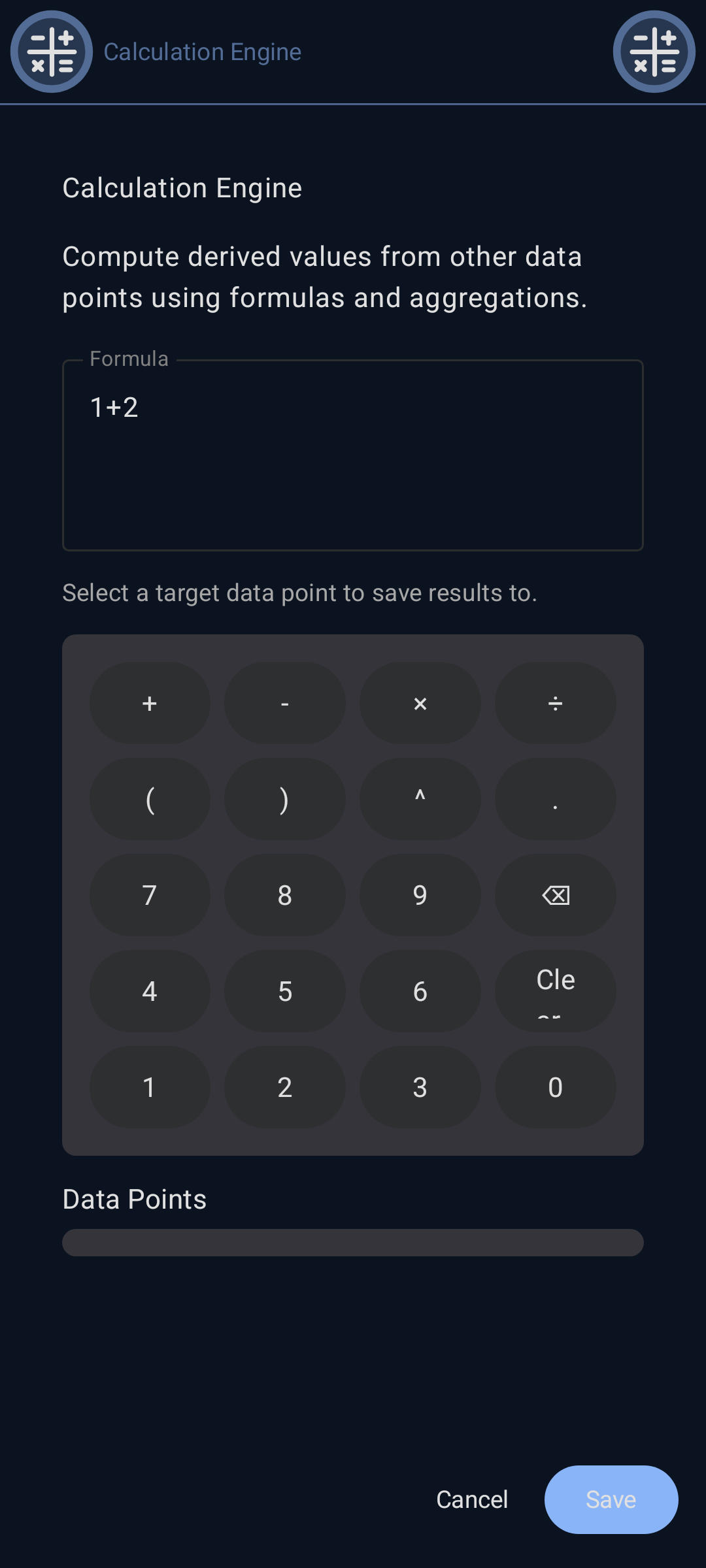
The Calculation Engine enables derived data points that compute values from other data points. Create complex formulas, aggregations, and transformations to generate new insights from raw sensor data. Support for mathematical operations, statistical functions, and custom calculations. Computation results are stored in another target data point. Target data points can be on any Krill Server node so data can be sent to other servers.
- Status: roadmap
 Compute Summary
Compute Summary generates statistical summaries of data point values over time periods. Calculate min, max, average, sum, and other statistical measures for hourly, daily, weekly, or custom time ranges. Summaries enable trend analysis and reduce storage requirements for long-term data. Since computed results can be stored to a data point on another Krill Server node, data can be sent to other servers for further processing or archival while data collection nodes can delete old data to conserve space.
- Status: roadmap
 Data Point Series
Data Points store data in a time series, you can view, export and analyze this data over time. By adding filters and triggers to your data points you can detect anamalies, generate alerts, and automate responses based on specific conditions in your data. You can also filter out noise and smooth your data series.
- Status: roadmap

 Rule Engine
The Rule Engine is the automation brain of Krill. It evaluates conditions and executes actions based on configurable rules. Rules consist of triggers (when conditions), actions (what to do), optional constraints (unless/until conditions), error handling, and cleanup operations. The rule engine enables sophisticated automation workflows like threshold alerts, scheduled tasks, webhook integrations, and GPIO control.
- Status: roadmap
 When Conditions
When Conditions define the triggers that activate a rule. Configure conditions based on data point thresholds (high/low), scheduled times (cron timers), or external events (incoming webhooks). Multiple when conditions can be combined to create complex trigger logic. The rule’s actions execute when these conditions are satisfied.
- Status: roadmap
 Cron Timer Condition
Cron Timer Condition triggers a rule on a scheduled basis using cron expressions. Use this to create time-based automation such as daily reports, periodic maintenance tasks, scheduled data collection, or recurring operations. Supports standard cron syntax for flexible scheduling including minutes, hours, days, months, and weekdays.
- Status: roadmap
 Incoming WebHook Condition
Incoming WebHook Condition triggers a rule when an HTTP request is received at a specific endpoint. Use this to integrate external systems, respond to external events, or enable remote triggering of automation. The webhook receives data that can be used by rule actions, enabling integration with third-party services and applications.
- Status: roadmap
 Do Actions
Do Actions define what happens when a rule is triggered. Configure actions to send webhooks, execute custom scripts, or control GPIO pins on the Raspberry Pi. Multiple actions can be chained together to create sophisticated automation workflows. Actions execute in sequence when the rule’s when conditions are met.
- Status: roadmap
 Outgoing WebHook Action
Outgoing WebHook Action sends an HTTP request to an external URL when the rule executes. Use this to notify external systems, trigger third-party services, send alerts to messaging platforms, or integrate with web APIs. Configure the URL, HTTP method, headers, and payload to send data from your automation to external services.
- Status: roadmap
 Execute Script Action
Execute Script Action runs custom code when the rule executes. Write Python, Bash, or other scripts to perform complex operations, calculations, or system interactions. Scripts have access to data point values and can perform advanced automation logic beyond built-in actions. Use this for custom integrations, data processing, or specialized control logic.
- Status: roadmap